
Loading...
Loading...
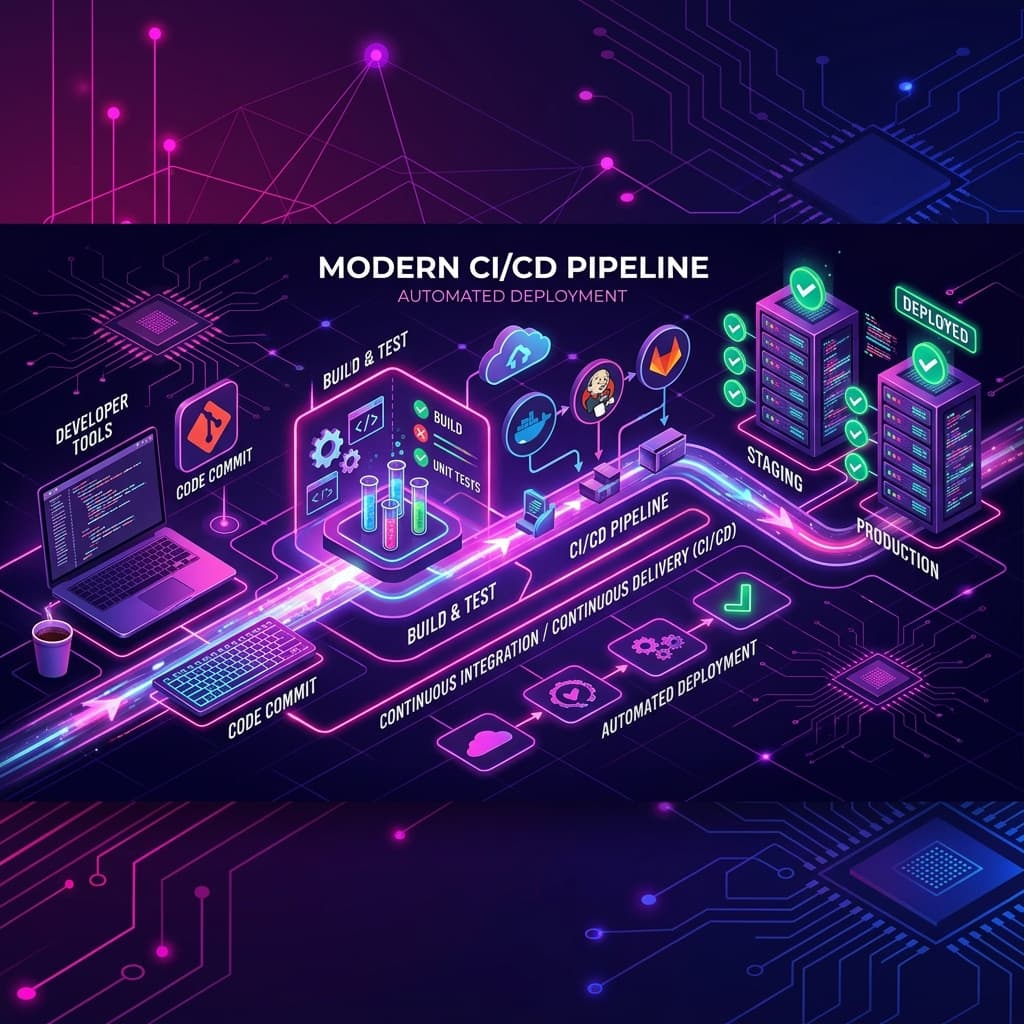
For small development teams and startups, DevOps can feel overwhelming. Many assume that setting up Continuous Integration and Continuous Deployment (CI/CD) pipelines requires a dedicated DevOps engineer and expensive enterprise software. As a result, they stick to manual SSH deployments or dragging files via FTP—methods that are slow, error-prone, and risky. At Appziac, we recommend setting up simple, automated pipelines that eliminate deployment stress without the enterprise overhead.
Deploying code manually is a ticking time bomb. It takes only one missing file, a forgotten database migration, or an incorrect environment variable to bring down a production website. Manual deployments also create bottlenecks, preventing teams from shipping features quickly and making rollback procedures extremely stressful when bugs inevitably slip through.
Automating your deployment pipeline doesn't have to be complicated. Tools like GitHub Actions and GitLab CI offer generous free tiers that are more than sufficient for small dev teams. By configuring a simple YAML workflow file, you can automate linting, run unit tests, and deploy your code directly to your servers every time you merge changes to your main branch.
To get started with CI/CD without the overhead, focus on these key steps: (1) Run tests and lint check first before deployment. (2) Keep secrets out of the codebase by using GitHub Secrets. (3) Configure automated deployments only for the main staging and production branches. (4) Keep rollback scripts ready so you can revert to the previous stable release with a single click if something goes wrong.
At Appziac, we build stable, automated development pipelines for every custom application we deliver. This ensures our clients enjoy smooth updates, maximum uptime, and robust deployments. If you want to optimize your development operations or build a custom application with DevOps best practices, get in touch with our team.